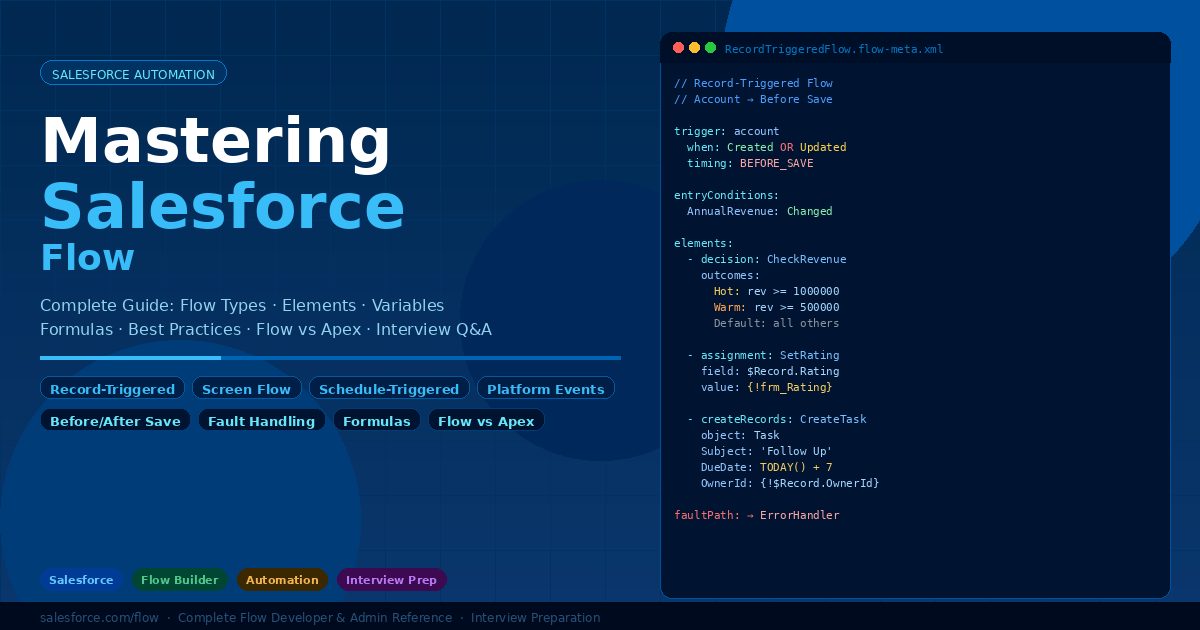
Here, you’ll discover real interview questions and detailed answers frequently asked by top MNCs like Accenture, Deloitte, Cognizant, Capgemini, and TCS — everything you need to confidently crack your Salesforce Developer interview.
🔵 Accenture – Salesforce Developer Interview Q&A

1. Trigger vs Flow – When would you choose each?
Answer:
Flow (Declarative)
Use when:
- Field updates
- Simple approvals
- Email alerts
- Admin maintainable logic
Trigger (Apex)
Use when:
- Complex calculations
- External API callouts
- Handling 10k+ records
- Advanced validations
Accenture Tip:
👉 Always say: “Flow first, Apex only when required”
They prefer low-code solutions.
2. What is Bulkification? Why is it critical?
Answer:
Salesforce processes 200 records at once, not one.
❌ Wrong:
for(Account a: Trigger.new){
   update a;
}
✅ Correct:
update Trigger.new;
Why important?
- Avoid governor limits
- Better performance
- Enterprise-safe
3. Explain Governor Limits with examples.
Answer:
Common limits:
- 100 SOQL
- 150 DML
- 10k rows
- 10 sec CPU
Avoid:
- SOQL inside loops
- DML inside loops
Use:
- Maps
- Sets
- Collections
4. How would you process 1 million records?
Answer:
Use:
- Batch Apex
- QueryLocator
- 200 records per chunk
Database.executeBatch(new MyBatch(), 200);
Why?
- Async
- Scalable
- Avoids limits
5. What is the Order of Execution?
Answer (high level):
- Validation rules
- Before triggers
- After triggers
- Assignment rules
- Workflow/Flow
- Rollups
- Commit
👉 Important for debugging issues.
6. How do you prevent recursive triggers?
Answer:
Use static variable.
public class TriggerHelper{
  public static Boolean runOnce = true;
}
Check before execution.
Why?
Prevents infinite loops → CPU limit exceeded.
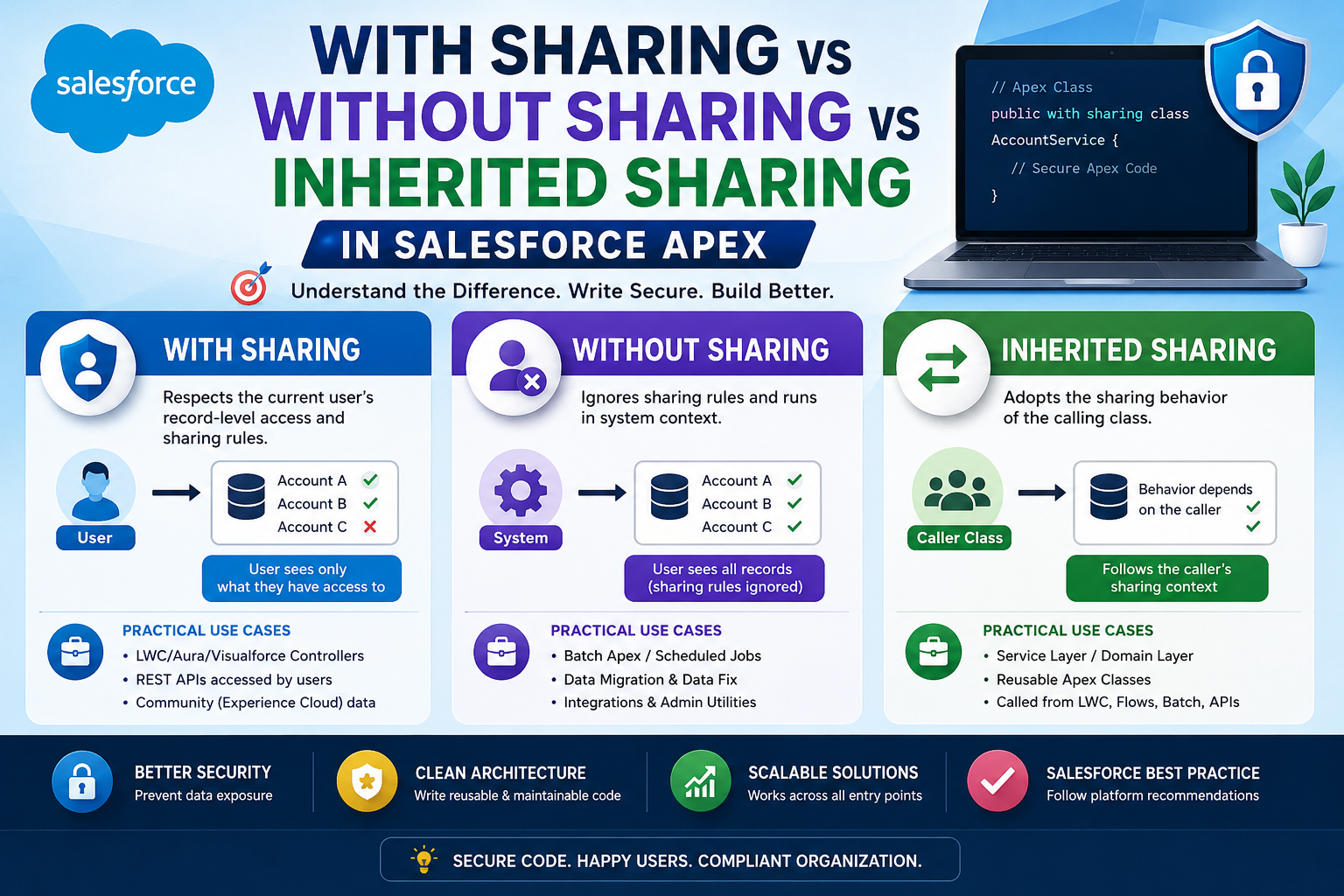
7. Explain Sharing Model.
Answer:
Layers:
- OWD
- Role hierarchy
- Sharing rules
- Manual
- Apex sharing
Example:
OWD = Private
Share with Sales team using rule.
8. Difference between Future, Queueable, Batch?
Answer:
| Feature | Future | Queueable | Batch |
|---|---|---|---|
| Records | small | medium | millions |
| Chaining | ❌ | ✅ | ✅ |
| Monitoring | ❌ | ✅ | ✅ |
👉 Prefer Queueable over Future
9. What is Selective Query?
Answer:
Query using:
- Indexed fields
- WHERE clause
- Avoid LIKE ‘%abc%’
Example:
SELECT Id FROM Account WHERE CreatedDate = TODAY
Improves performance.
10. Explain Integration options in Salesforce.
Answer:
Tools:
- REST API
- SOAP
- Platform Events
- Named Credentials
- Middleware (MuleSoft)
Patterns:
- Request/Reply
- Batch
- Event-driven
11. What is LWC lifecycle?
Answer:
Hooks:
- constructor()
- connectedCallback()
- renderedCallback()
- disconnectedCallback()
Used for:
- API calls
- DOM manipulation
12. Difference LWC vs Aura?
Answer:
| Feature | LWC | Aura |
|---|---|---|
| Speed | Faster | Slower |
| Modern JS | Yes | No |
| Memory | Low | High |
👉 Accenture prefers LWC always.
13. How to secure Apex code?
Answer:
Use:
- with sharing
- CRUD checks
- FLS checks
- stripInaccessible()
Example:
Schema.sObjectType.Account.isAccessible()
14. What is Test Class best practice?
Answer:
- 90%+ coverage
- No SeeAllData=true
- Use Test.startTest()
- Test.stopTest()
- Cover negative cases
15. How do you handle callouts?
Answer:
- Use @future(callout=true) or Queueable
- Named Credentials
- HttpRequest/HttpResponse
Because triggers cannot make synchronous callouts.
16. Explain Wrapper Class.
Answer:
Custom class holding multiple objects.
Used for:
- LWC
- Visualforce
- JSON responses
17. What is Skinny Table?
Answer:
- Created by Salesforce Support
- Reduces joins
- Faster queries
- Large data orgs
Used when performance is slow.
18. How to debug production issue?
Answer:
Steps:
- Debug logs
- Check limits
- Replicate in sandbox
- Add logs
- Fix & deploy
19. How do you deploy changes?
Answer:
Options:
- Change Sets
- VS Code + SFDX
- CI/CD
Best practice:
Dev → UAT → Prod
20. Design: Email approval without login?
Answer:
Solution:
- Public Experience Cloud page
- Token-based link
- Apex validation
- Update record
Real enterprise use case Accenture asks often.
🔵 Deloitte – Salesforce Developer Interview Questions & Answers

1. A trigger is hitting CPU limit. How will you troubleshoot?
Answer:
Steps:
- Check debug logs → CPU time
- Find nested loops
- Move logic outside loops
- Use Maps/Sets
- Shift heavy logic to Queueable/Batch
Deloitte expects:
👉 “Analyze first, then optimize — not random fixes.”
2. Client wants real-time sync between Salesforce and SAP. How would you design?
Answer:
Architecture:
- Named Credentials
- REST API callouts
- Middleware (MuleSoft preferred)
- Platform Events for async updates
Why middleware?
- Retry
- Monitoring
- Transformation
Direct callouts = risky.
3. Multiple developers editing same object → deployment conflicts. Solution?
Answer:
Use:
- Git branching
- Feature branches
- Scratch orgs
- CI/CD pipeline
Flow:
Dev → Merge → UAT → Prod
Benefit:
Avoid metadata overwrite.
4. How would you design a reusable trigger framework?
Answer:
Structure:
- One trigger per object
- Handler classes
- Separate logic methods
Example:
trigger AccountTrigger on Account(before insert, after update){
   AccountHandler.handle();
}
Benefits:
- Maintainable
- Testable
- Scalable
5. A Flow is slow with 50k records. What would you do?
Answer:
Flows are not ideal for bulk.
Solution:
- Replace with Batch Apex
- Or async Queueable
- Optimize queries
Deloitte thinking:
Right tool > declarative always.
6. Client wants audit history for 10 years. How do you design?
Answer:
Options:
- Field History Tracking
- Big Objects
- External storage (Data Lake)
Best:
Big Objects for large history.
7. When would you use Platform Cache?
Answer:
Use for:
- Frequently used data
- Config settings
- API responses
Benefits:
- Faster performance
- Fewer SOQL queries
Example:
Store product pricing.
8. Users complain Lightning page is slow. How optimize?
Answer:
- Reduce components
- Lazy load tabs
- Avoid heavy Apex calls
- Use wire cache
- Combine queries
Measure using Lightning Performance tool.
9. How to handle duplicate data in Salesforce?
Answer:
Use:
- Matching rules
- Duplicate rules
- Before triggers
- Third-party tools
Design:
Prevent + clean existing data.
10. How do you design multi-step approval logic?
Answer:
Options:
- Standard Approval Process
- Flow Orchestration
- Apex for complex logic
Use Flow when dynamic steps required.
11. Client needs 24/7 integration reliability. What design choices?
Answer:
- Middleware retries
- Dead-letter queues
- Async processing
- Logging
- Monitoring dashboard
Deloitte loves reliability planning.
12. Explain difference between Custom Metadata vs Custom Settings.
Answer:
| Feature | CMDT | Settings |
|---|---|---|
| Deployable | Yes | No |
| Recommended | Yes | Legacy |
| Use case | Config data | Old configs |
Always choose CMDT.
13. How would you migrate 5M records?
Answer:
- Data Loader / Bulk API
- Split files
- Disable triggers
- Use batches
- Validate after load
Never single transaction.
14. What is record locking? How prevent?
Answer:
Occurs when multiple updates same record.
Prevent:
- Smaller transactions
- Avoid parent updates
- Async jobs
- Proper indexing
15. How to secure sensitive fields (salary, SSN)?
Answer:
- Field-level security
- Permission sets
- Shield Encryption
- Restrict API access
Security-first design.
16. Client wants dynamic UI based on role. How implement?
Answer:
Options:
- Dynamic Forms
- Visibility rules
- LWC conditional rendering
Prefer declarative first.
17. How would you test callouts?
Answer:
Use:
HttpCalloutMock
Test.setMock()
Never real endpoints.
Ensures reliable testing.
18. How to handle multiple long-running jobs?
Answer:
- Batch chaining
- Queueable chaining
- Scheduled jobs
- Monitor AsyncApexJobs
Plan job sequencing.
19. When would you use External Objects?
Answer:
When:
- Data in external DB
- No need to store in Salesforce
- Real-time access
Benefits:
- No storage cost
- Live data
20. Client asks: “Flow or Apex for complex business logic?” What do you say?
Answer:
Decision rule:
If:
- Simple → Flow
- Complex → Apex
- Massive data → Batch
- Integration → Apex
👉 Deloitte wants justified decision making, not blind preference.
🔵 Cognizant – Salesforce Developer Interview Questions & Answers

1. Write a trigger to prevent duplicate Contacts based on Email.
Answer:
trigger PreventDuplicateContact on Contact(before insert){
    Set<String> emails = new Set<String>();

    for(Contact c : Trigger.new){
        if(c.Email != null)
            emails.add(c.Email);
    }

    Map<String, Contact> existing =
        new Map<String, Contact>(
            [SELECT Email FROM Contact WHERE Email IN :emails]
        );

    for(Contact c : Trigger.new){
        if(existing.containsKey(c.Email)){
            c.addError('Duplicate Email not allowed');
        }
    }
}
Why?
- Bulk safe
- No SOQL in loop
- Efficient lookup using Map
👉 Cognizant loves small coding tasks like this.
2. Difference between before and after triggers with use cases?
Answer:
Before
- Modify fields
- Validation
- Faster
After
- Create related records
- Callouts
- Rollups
Example:
Before → set default status
After → create child Opportunity
3. How do you handle Null Pointer Exception in Apex?
Answer:
Use:
- Null checks
- Safe navigation
Example:
if(acc != null && acc.Name != null)
Or:
String name = acc?.Name;
Why?
Prevents runtime failures.
4. How to send email automatically after record creation?
Answer:
Options:
- Flow email action
- Apex Messaging.sendEmail()
- Email Alert
Preferred:
Flow for simple use case.
5. Explain Map vs List vs Set with example.
Answer:
List
- Ordered
- Duplicates allowed
Set
- Unique only
Map
- Key → Value
Example:
Map<Id, Account> accMap;
Use Map for fast lookup (O(1)).
6. A query returns “Too many SOQL queries 101”. How fix?
Answer:
Problem:
SOQL inside loop.
Fix:
- Move query outside
- Use IN clause
- Store in Map
Bad:
for(){
   [SELECT...]
}
Good:
Single query before loop.
7. How to create parent-child records together?
Answer:
Use:
insert parent;
child.ParentId = parent.Id;
insert child;
Or composite REST API.
8. What is @AuraEnabled(cacheable=true)?
Answer:
Used in LWC.
Benefits:
- Client caching
- Faster UI
- Fewer server calls
Only for read-only methods.
9. How do you deploy a hotfix in production quickly?
Answer:
Steps:
- Reproduce issue in sandbox
- Fix code
- Test class
- Quick deploy change set / SFDX
- Validate post deploy
Cognizant cares about support mindset.
10. How to convert Lead automatically when criteria met?
Answer:
Use:
- Flow
- Apex LeadConvert
Example:
Database.LeadConvert lc = new Database.LeadConvert();
Database.convertLead(lc);
11. What is Database.insert(list, false)?
Answer:
Partial success.
- Saves valid records
- Returns errors for failed
Used in bulk loads.
12. How to avoid hardcoding IDs?
Answer:
Use:
- Custom Metadata
- Custom Settings
- Dynamic queries
Never:
'001xx000003ABC'
13. Explain @TestSetup usage.
Answer:
Creates common test data once.
Benefits:
- Faster tests
- Reusable
- Clean code
Example:
@TestSetup
static void setup(){
   insert new Account(Name='Test');
}
14. How to handle large file uploads in Salesforce?
Answer:
Use:
- ContentVersion
- Files
- Chunk upload
Avoid Attachments (deprecated).
15. How to restrict picklist values by role?
Answer:
Options:
- Record Types
- Page Layouts
- Dynamic Forms
Preferred:
Record Types + picklist values.
16. What happens if two triggers exist on same object?
Answer:
Execution order not guaranteed.
Best practice:
👉 One trigger per object + handler class.
17. How to schedule job daily at midnight?
Answer:
System.schedule('DailyJob','0 0 0 * * ?', new MySchedulable());
Uses CRON expression.
18. How to rollback transaction manually?
Answer:
Use Savepoint.
Savepoint sp = Database.setSavepoint();
Database.rollback(sp);
Used for safe error handling.
19. Explain difference between Profiles and Permission Sets.
Answer:
Profile:
- Mandatory
- Base access
Permission Set:
- Additional access
- Flexible
Best practice:
Minimal profile + permission sets.
20. Client says “System slow during data load”. What steps?
Answer:
- Disable triggers/workflows
- Use Bulk API
- Use batches
- Re-enable automation
- Validate data
Focus:
Performance + stability.
🔵 Capgemini – Salesforce Developer Interview Questions & Detailed
1. Client wants to automate record creation when Opportunity is Closed Won. How would you implement?
Answer:
Options:
- Flow
- Apex trigger
Best approach:
👉 Record-triggered Flow
Steps:
- Trigger on update
- Condition → Stage = Closed Won
- Create related record (Invoice/Project)
Why?
- Declarative
- Easy maintenance
- Faster delivery
Capgemini prefers low-code first.
2. How do you migrate metadata between orgs safely?
Answer:
Tools:
- Change Sets
- SFDX
- Git
Process:
Dev → SIT → UAT → Prod
Steps:
- Validate deployment
- Run tests
- Backup metadata
Why?
Reduces production risk.
3. What is the difference between Sandbox types?
Answer:
| Type | Data | Use |
|---|---|---|
| Dev | No | Coding |
| Dev Pro | More storage | Testing |
| Partial | Sample data | UAT |
| Full | Full copy | Performance/Prod-like |
Choose based on requirement.
4. How would you implement field-level auditing?
Answer:
Options:
- Field History Tracking
- Setup Audit Trail
- Custom Audit object
- Shield Field Audit Trail
For enterprise:
👉 Shield for long-term history.
5. A Flow is throwing “Too many DML rows”. What’s your fix?
Answer:
Cause:
Flow updating too many records.
Fix:
- Move logic to Batch Apex
- Reduce updates
- Combine DML
Lesson:
Flow not good for massive bulk.
6. Explain the use of Custom Labels.
Answer:
Used for:
- Dynamic text
- Multi-language support
- Avoid hardcoding
Example:
Label.Welcome_Message
Helpful for global clients.
7. Client wants different page layouts for Sales and Support teams. How design?
Answer:
Use:
- Profiles or Record Types
- Different Page Layouts
Preferred:
👉 Record Types + Layout assignment
More scalable.
8. What is a Junction Object? When use?
Answer:
Used for:
Many-to-Many relationship.
Example:
Student ↔ Course
Create Enrollment object.
Requires 2 Master-Detail relationships.
9. How do you handle data validation?
Answer:
Options:
- Validation rules
- Before triggers
- Flow checks
Best:
Validation Rules for simple checks.
Example:
ISBLANK(Phone)
10. Client needs file storage for documents. Which approach?
Answer:
Use:
- Files (ContentVersion)
Avoid:
Attachments (deprecated)
Benefits:
- Versioning
- Sharing
- Modern UI
11. What is the difference between Public Group and Queue?
Answer:
Public Group:
- Sharing
- Reporting
Queue:
- Record assignment
- Work distribution
Example:
Cases assigned to Support Queue.
12. How to improve report performance?
Answer:
- Use filters
- Indexed fields
- Avoid cross-filters
- Archive old data
- Limit formulas
Large reports slow down dashboards.
13. Explain use of Permission Set Groups.
Answer:
Combine multiple permission sets.
Benefits:
- Easy management
- Role-based access
- Reusable
Better than assigning many sets individually.
14. How would you schedule weekly data cleanup?
Answer:
Options:
- Scheduled Flow
- Scheduled Apex
For small → Flow
For large → Batch Apex
Example:
Delete old logs weekly.
15. What is Metadata API?
Answer:
Used for:
- Deployment
- Retrieve components
- CI/CD
Tools:
SFDX, VS Code
Used heavily in enterprise releases.
16. Client wants dependent dropdowns. How implement?
Answer:
Use:
Field Dependency
Example:
Country → State
No code required.
17. What is Rollback behavior in Salesforce transactions?
Answer:
If error occurs:
All DML rolled back automatically.
Manual:
Savepoint sp = Database.setSavepoint();
Database.rollback(sp);
Ensures safe operations.
18. How to manage large picklist values dynamically?
Answer:
Options:
- Custom Metadata
- Custom object
- Dynamic Apex
Best:
Store in Custom Metadata for flexibility.
19. Client wants multilingual support. How handle?
Answer:
Use:
- Translation Workbench
- Custom Labels
- Multi-language setup
Common in global Capgemini projects.
20. Describe your approach to production support issues.
Answer:
Steps:
- Understand issue
- Check logs
- Reproduce in sandbox
- Fix
- Test
- Deploy hotfix
- Monitor
Capgemini values structured troubleshooting.
🔵 TCS – Salesforce Developer Interview Questions & Answers

1. What happens when a record is deleted in Master-Detail vs Lookup?
Answer:
Master-Detail
- Child records automatically deleted (cascade delete)
Lookup
- Child remains (or optional clear)
Use case:
Order → Order Items → Master-Detail
Contact → Account → Lookup
2. How do you fetch related child records in SOQL?
Answer:
Use subquery.
Example:
SELECT Name, (SELECT LastName FROM Contacts)
FROM Account
Benefit:
Single query instead of multiple queries.
Improves performance.
3. User says “I can’t see a field”. How do you troubleshoot?
Answer:
Check:
- Field-Level Security
- Page Layout
- Profile/Permission Set
- Record Type
- Sharing
TCS expects:
Step-by-step debugging approach.
4. Difference between Workflow Rule and Flow?
Answer:
Workflow:
- Old
- Limited actions
Flow:
- Powerful
- Loops
- Complex logic
- Future-proof
Recommendation:
Always Flow.
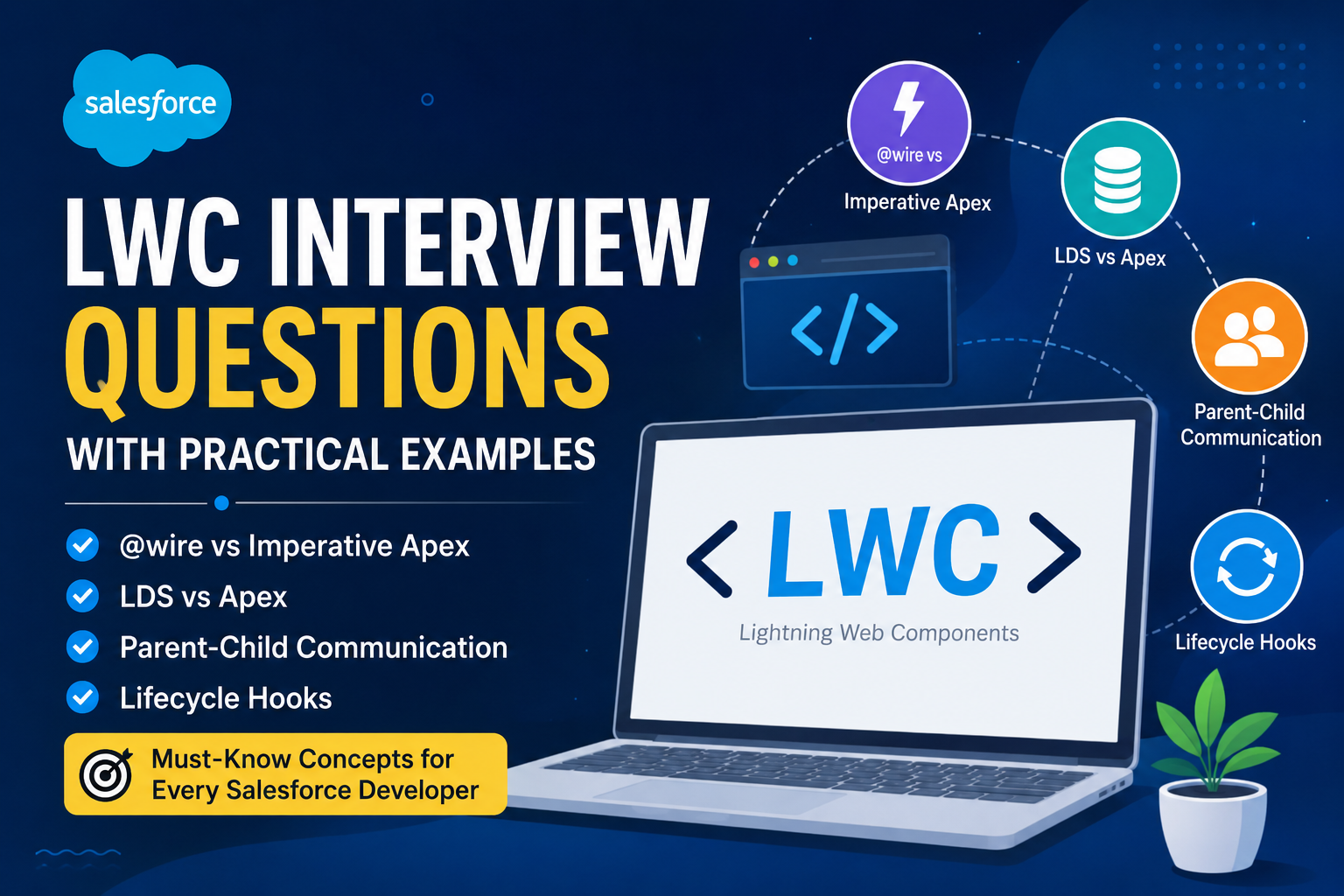
5. How do you call Apex from LWC?
Answer:
Use:
import methodName from '@salesforce/apex/ClassName.methodName';
Two ways:
- @wire
- Imperative call
Use @wire for read-only.
6. What is the purpose of Schema Builder?
Answer:
Visual tool to:
- Create objects
- Create fields
- Manage relationships
Good for quick design.
7. How do you restrict record deletion?
Answer:
Options:
- Remove Delete permission
- Validation rule
- Before delete trigger
Best:
Permission control first.
8. How would you clone a record with related child records?
Answer:
Steps:
- Clone parent
- Query children
- Clone children
- Assign new parent Id
Example:
child.ParentId = newParent.Id;
9. Explain use of Formula Fields.
Answer:
Used for:
- Calculations
- Dynamic values
- No storage needed
Example:
Total = Qty * Price
Benefits:
Real-time calculation.
10. How to handle “Mixed DML Operation” error?
Answer:
Occurs when:
Setup + Non-setup objects together.
Example:
User + Account
Fix:
Use:
- Future method
- Queueable
- Separate transaction
11. What is the use of Static Resource?
Answer:
Store:
- JS
- CSS
- Images
- Libraries
Used in:
LWC/Visualforce
Example:
Bootstrap, jQuery
12. How do you create a custom REST API in Salesforce?
Answer:
Use:
@RestResource(urlMapping='/account/*')
global with sharing class MyAPI {}
Methods:
- @HttpGet
- @HttpPost
Used for integrations.
13. How to prevent users from editing Closed records?
Answer:
Validation Rule:
ISPICKVAL(Status,'Closed')
OR before trigger.
Preferred:
Validation Rule.
14. What is Data Skew and how to fix?
Answer:
Occurs when:
Too many child records linked to one parent (10k+)
Problems:
- Locking
- Slow updates
Fix:
- Distribute records
- Use multiple parents
- Async updates
15. How do you export large data?
Answer:
Tools:
- Data Loader
- Bulk API
- Weekly Export
For millions:
Bulk API best.
16. What is Lightning Data Service (LDS)?
Answer:
Used to:
- Fetch records
- Cache data
- No Apex needed
Benefits:
- Faster
- Secure
- Auto refresh
Used in LWC.
17. How do you handle validation across multiple objects?
Answer:
Options:
- Apex Trigger
- Flow
Because validation rule cannot check cross-object easily.
18. How to track who modified a record?
Answer:
Standard fields:
- CreatedBy
- LastModifiedBy
Or enable Field History Tracking.
19. What is the difference between Hard Delete and Soft Delete?
Answer:
Soft delete:
- Goes to Recycle Bin
Hard delete:
- Permanently removed
Use Bulk API Hard delete carefully.
20. Client reports “Automation running twice”. How troubleshoot?
Answer:
Check:
- Multiple Flows
- Duplicate triggers
- Process Builder + Flow together
- Recursive logic
Fix:
- Consolidate automation
- One logic source
TCS expects:
Root cause analysis.
 Looking for real interview questions, real answers, and real success stories?