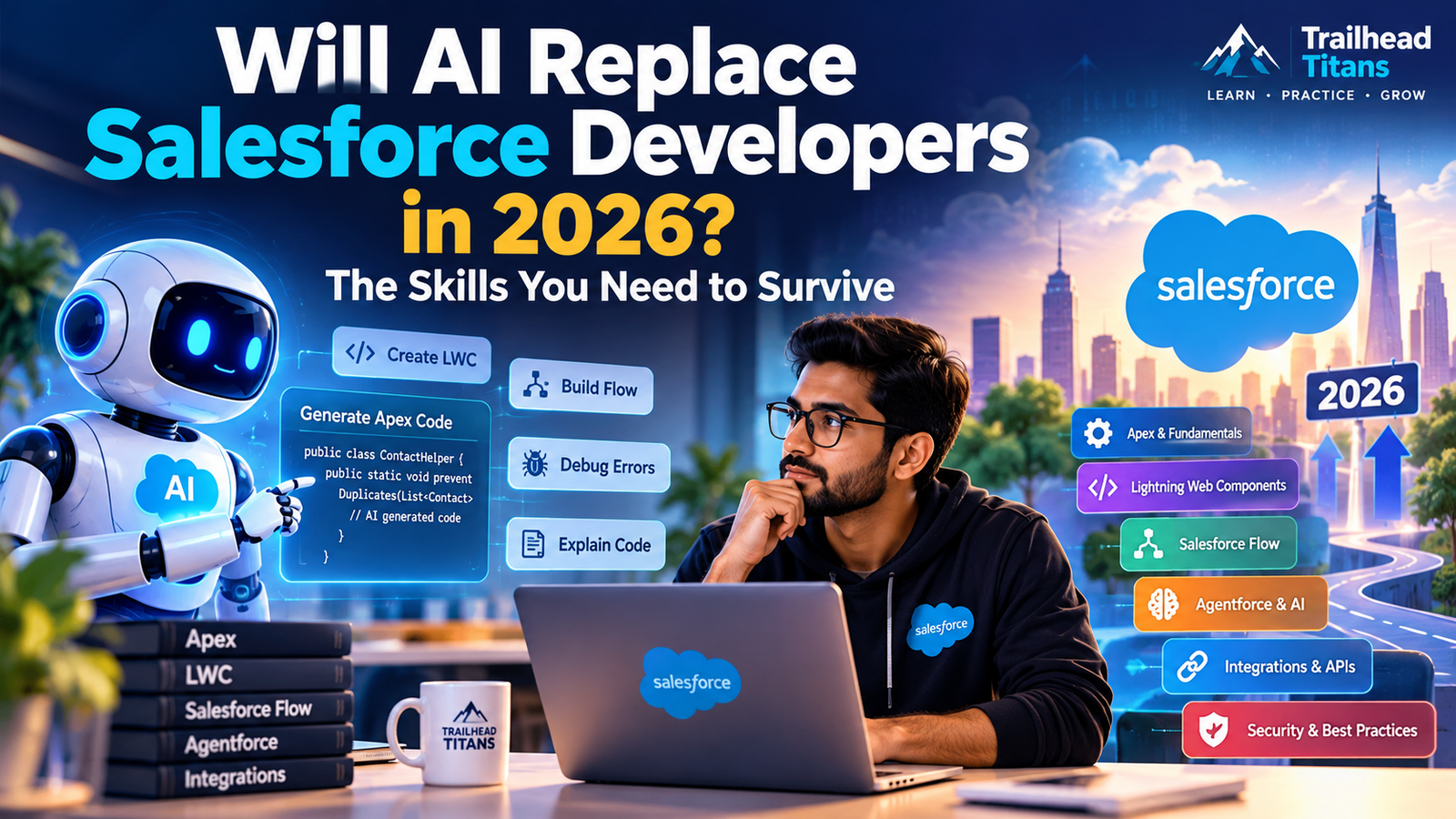
AI is changing Salesforce development faster than ever. But does that mean Salesforce developers will lose their jobs? Not necessarily. The bigger risk is refusing to adapt.
Imagine you ask an AI tool to write an Apex class, build a Lightning Web Component (LWC), generate test classes, or explain an existing Salesforce trigger. Within seconds, you may have a working first draft.
Tasks that once required hours of coding can now become much faster with AI-assisted development.
So, an important question is coming up in the Salesforce community:
Will AI replace Salesforce developers in 2026, or will it create opportunities for developers who know how to use it?
The short answer: AI is automating parts of development, but Salesforce developers still need to understand business requirements, platform architecture, security, integrations, testing, and production systems.
Salesforce’s own developer guidance describes the role as evolving toward system design, quality engineering, and cross-system thinking—not simply writing code faster.
In this guide, we will explore what AI can do, which skills Salesforce developers should learn, and how to prepare for the future.
1. Will AI Replace Salesforce Developers in 2026?
Let’s be realistic. AI is already capable of generating code, explaining errors, suggesting optimizations, and helping developers build prototypes.
However, generating code is not the same as delivering a reliable business solution.
Consider a company that wants to automate its opportunity approval process.
An AI tool might generate an Apex class or suggest a Salesforce Flow. But a developer still needs to understand:
- What are the business requirements?
- Who can approve an opportunity?
- What happens when an approval is rejected?
- Which users can access the records?
- What happens if the integration fails?
- How will the solution behave with thousands of records?
- How will the team test, deploy, and maintain the solution?
These decisions require technical judgment and business understanding.
The future belongs to developers who can use AI effectively while taking responsibility for the solutions they deliver.
AI may reduce the amount of manual coding required for some tasks. It does not automatically eliminate the need for people who can design, validate, secure, and maintain Salesforce applications.
2. What Salesforce Development Tasks Can AI Automate?
AI can assist with many repetitive development activities. The results still need to be reviewed and tested.
Apex Code Generation
Developers can use AI to draft Apex classes, triggers, helper methods, and test classes.
For example, you could ask an AI coding assistant:
“Create an Apex trigger that prevents duplicate Contact records based on email. Use a bulk-safe approach and include appropriate test cases.”
The assistant may generate a useful starting point.
But you must verify whether the implementation handles bulk operations, existing duplicates, null or blank email values, recursion risks, and the intended business rules.
Lightning Web Components (LWC)
AI can help scaffold LWC components, write JavaScript functions, create HTML templates, and troubleshoot common errors.
For example, it can help you build a component that displays Account records in a data table.
You still need to understand component lifecycle hooks, reactive properties, event handling, Lightning Data Service, Apex integration, and accessibility.
Salesforce Flow Development
AI can help developers and admins design automation logic, outline decision branches, and troubleshoot Flow errors.
However, you still need to choose the right automation approach, avoid recursion, consider transaction limits, and handle fault paths.
SOQL and SOSL Queries
AI can generate queries, explain relationship queries, and suggest improvements.
For example:
SELECT Id, Name,
       (SELECT Id, LastName, Email
        FROM Contacts)
FROM Account
WHERE Industry = 'Technology'
A developer should still verify the relationship names, filters, query selectivity, data volume, and security requirements.
Debugging and Documentation
AI can explain stack traces, suggest fixes, summarize unfamiliar code, and generate technical documentation.
These capabilities can save time, especially when working with large or poorly documented Salesforce projects.
The important point is that AI-generated output is a starting point—not proof that the solution is correct.
3. The Biggest Risk for Salesforce Developers
The biggest risk is not simply that AI exists. It is relying on AI without understanding the fundamentals.
Imagine two developers.
Developer A
- Copies code generated by AI.
- Cannot explain how the code works.
- Does not understand governor limits.
- Skips negative test cases.
- Struggles when the code fails in production.
Developer B
- Uses AI to generate an initial implementation.
- Reviews the architecture and security.
- Checks governor limits and bulk behaviour.
- Writes meaningful tests.
- Understands the business requirement.
- Can debug and improve the solution independently.
Both developers may use the same AI tools, but their value to a team can be very different.
If you want to build a long-term Salesforce career, do not focus only on generating code. Learn how to evaluate code, make design decisions, and solve problems.
4. Top 7 Skills Salesforce Developers Should Learn in 2026
Here are seven practical areas to prioritize.
Skill 1: Apex and Advanced Salesforce Fundamentals
Do not stop at basic Apex syntax.
Learn:
- Triggers and trigger frameworks
- Collections and bulkification
- SOQL and SOSL
- Governor limits
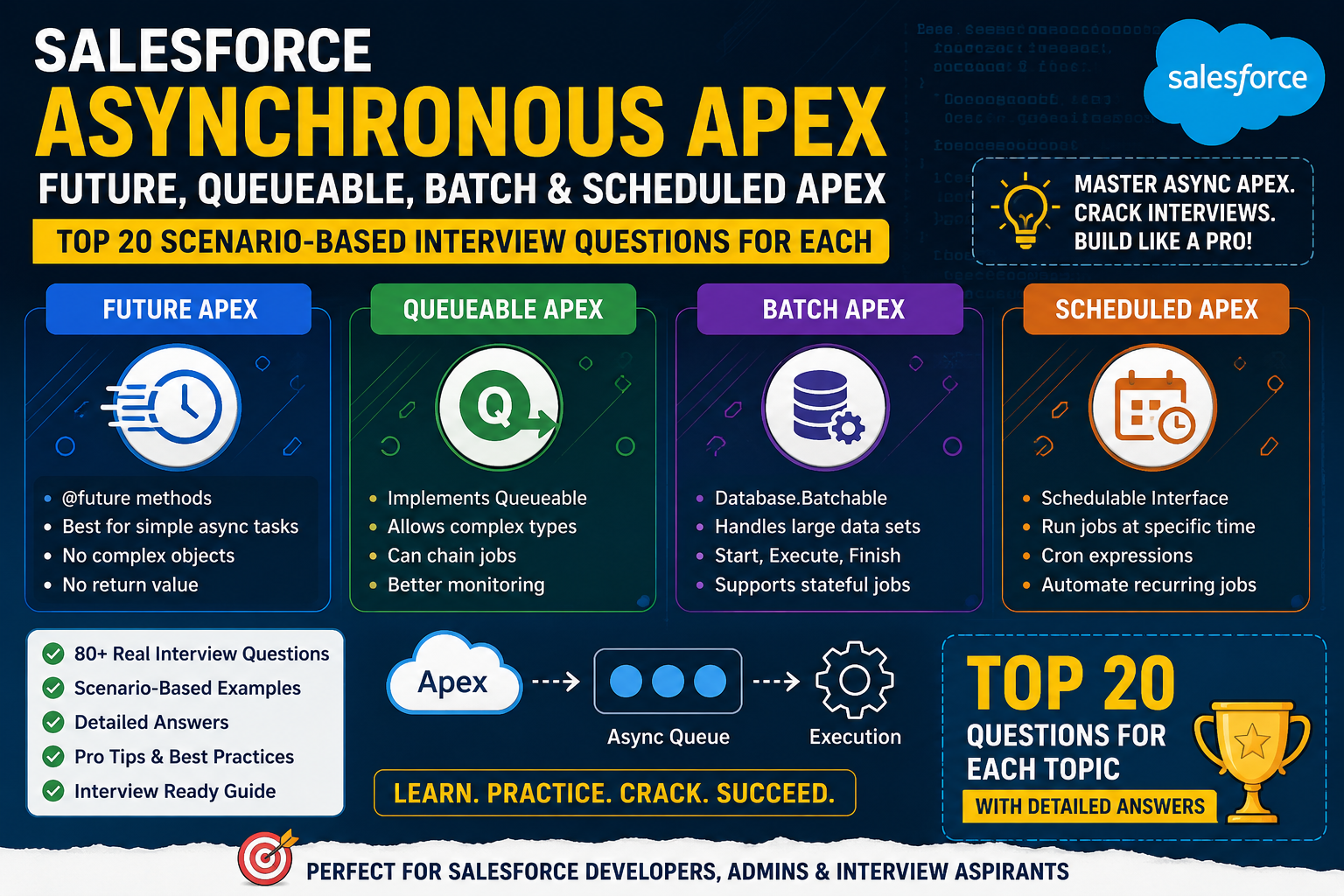
- Asynchronous Apex: Queueable, Batch, and Scheduled Apex
- Exception handling
- Unit testing and test data design
- Sharing rules and Apex security
Why it matters: You need to recognize when generated code is inefficient, insecure, or incorrect.
Skill 2: Lightning Web Components (LWC)
LWC remains important for building custom Salesforce user interfaces.
Focus on:
- JavaScript fundamentals
- Component lifecycle hooks
- Parent-child communication
- Custom events
- Lightning Data Service
- Wire adapters and imperative Apex
- Error handling
- Component testing and accessibility
Practical goal: Build a reusable LWC that displays records, supports filtering, handles errors, and communicates with Apex.
Skill 3: Salesforce Flow and Automation
Modern Salesforce development is not only about writing code.
Learn:
- Record-triggered Flows
- Screen Flows
- Scheduled paths
- Fault handling
- Subflows
- Flow and Apex trade-offs
- Debugging and testing automation
You should know when a Flow is sufficient and when Apex is a better fit.
Skill 4: Agentforce and AI Development
Agentforce is an important area for developers interested in AI-powered Salesforce applications.
Learn the fundamentals of:
- Agentforce agents and topics
- Instructions and actions
- Flow and Apex actions
- Grounding agents in trusted business data
- Agent Script
- Testing, safety, and observability
Do not learn Agentforce only by memorizing setup steps. Build an actual use case and understand how the agent interacts with data, business logic, and permissions.
Skill 5: Integration and API Development
Enterprise Salesforce projects frequently involve external systems.
Learn:
- REST and SOAP APIs
- Named Credentials and External Credentials
- OAuth fundamentals
- Apex callouts
- Platform Events and Change Data Capture
- Error handling and retry strategies
- Integration testing
AI can draft an integration, but you must understand authentication, data contracts, failure handling, and system boundaries.
Skill 6: Security and Data Access
Security knowledge is essential for responsible Salesforce development.
Understand:
- Object-level permissions
- Field-level security
- Record-level sharing
- User-mode versus system-mode operations
- Secure Apex patterns
- Permission checks for custom functionality
- Protection of sensitive data
Never assume that AI-generated code automatically enforces your organisation’s security requirements.
Skill 7: AI-Assisted Development and Code Review
Learn how to use AI coding tools as part of a disciplined development workflow.
A useful workflow is:
- Explain the business requirement clearly.
- Ask AI to identify assumptions and edge cases.
- Review the proposed design before generating code.
- Generate or refine the implementation.
- Inspect the changes and verify Salesforce-specific behaviour.
- Run tests and security checks.
- Deploy through the team’s approved process.
- Monitor the result and fix issues.
The objective is not to let AI make every decision. It is to use AI to improve your productivity while keeping engineering judgment in your hands.
5. A Real-World Example: Building an AI-Assisted Salesforce Solution
Suppose a company wants to prevent duplicate Contacts based on email address.
A developer could use an AI assistant to draft a trigger, handler class, and test class.
But a production-ready implementation requires more than a prompt.
Step 1: Understand the requirement
Clarify whether duplicate emails are allowed across different Accounts, how blank email addresses should be handled, and whether existing duplicates need to be cleaned up.
Step 2: Design the solution
Decide whether a duplicate rule, matching rule, Flow, Apex, or a combination is appropriate.
Do not automatically choose Apex just because you can generate it with AI.
Step 3: Generate and review the implementation
Ask AI to draft a bulk-safe solution and explain the trade-offs.
Review how it queries existing Contacts, processes incoming records, handles records in the same batch, and reports errors.
Step 4: Test realistic scenarios
Include:
- One new Contact with a unique email
- One new Contact with a duplicate email
- Multiple Contacts inserted in one transaction
- Blank email values
- Updates to existing Contacts
- Relevant access and validation scenarios
Step 5: Validate before deployment
Run the appropriate tests, inspect the changes, and validate behaviour in a suitable development or test environment before releasing the solution.
Lesson: AI can help write the code, but the developer is responsible for ensuring the solution satisfies the business requirement.
6. A 90-Day Roadmap to Become an AI-Ready Salesforce Developer
You do not need to master every new AI tool in a single month. Start with a structured plan.
Days 1–30: Strengthen Your Fundamentals
Focus on Apex, SOQL, triggers, governor limits, unit testing, and LWC.
Build a small application without relying entirely on AI. Then use AI to review your approach and explain alternative solutions.
Days 31–60: Build a Real Project
Choose a practical use case, such as a case-management application or opportunity approval solution.
Include:
- Apex and LWC where appropriate
- Flow automation
- Permissions and validation
- Unit tests
- Error handling
- Git and a basic deployment workflow
Use AI to speed up repetitive tasks, but make sure you can explain every important design decision.
Days 61–90: Add AI and Interview Preparation
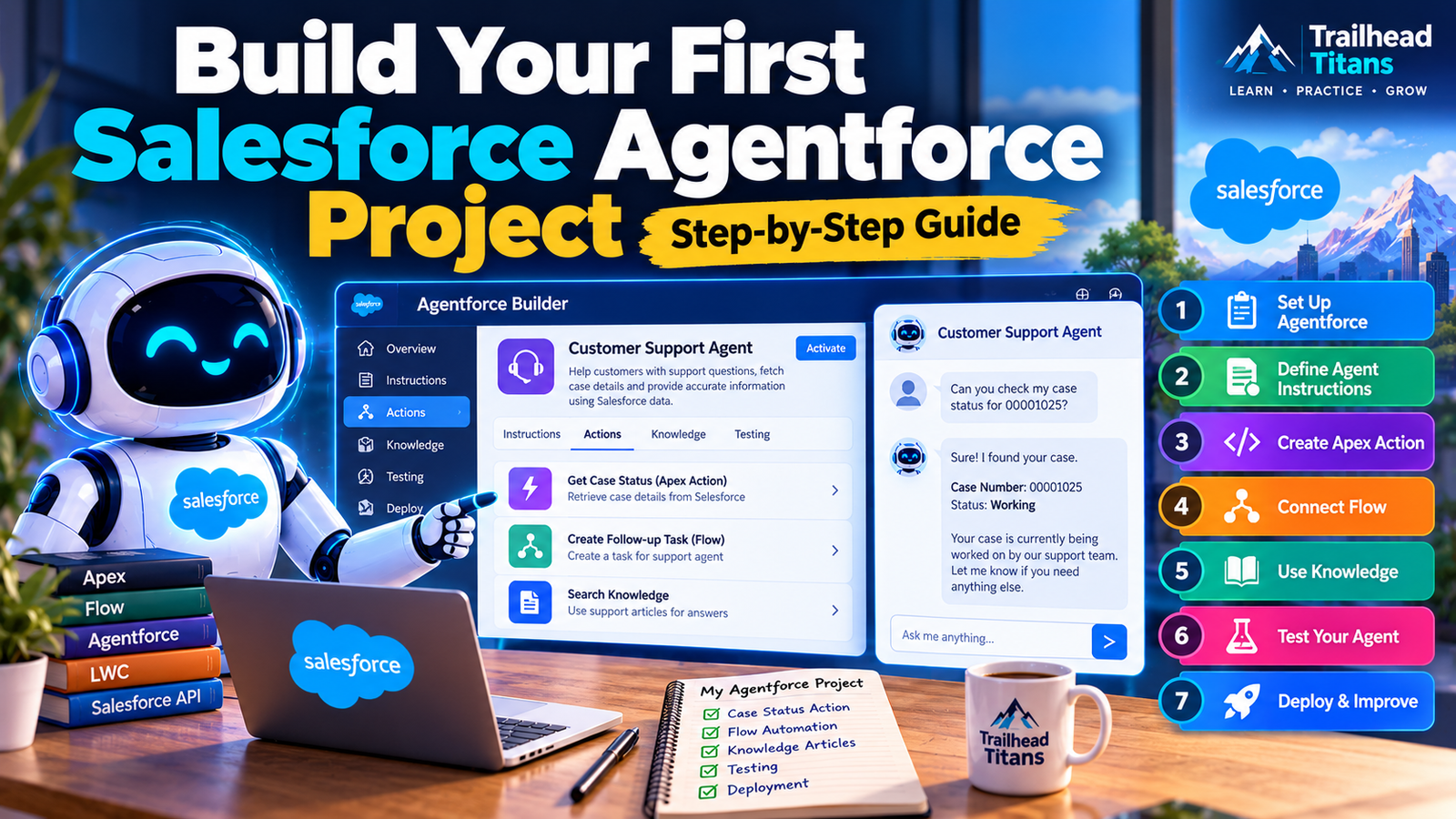
Build a small Agentforce project with clearly defined actions and permissions.
Also prepare for technical interviews covering:
- Apex scenario-based questions
- LWC troubleshooting
- Flow versus Apex decisions
- Integration design
- Security and governor limits
- AI-generated code review
- Your project’s architecture and trade-offs
At the end of 90 days, aim to have a project you can demonstrate, explain, test, and defend in an interview.
7. What Should Salesforce Freshers Learn First?
If you are a fresher or switching careers, do not assume you must learn every AI feature before applying for jobs.
Follow a sensible order:
- Salesforce platform fundamentals
- Data modelling, security, and automation
- SOQL and Apex
- LWC and JavaScript
- Testing, debugging, and deployment basics
- Integrations and real-world project design
- Agentforce and AI-assisted development
Build your understanding before trying to automate everything.
If you cannot explain a trigger, debug a Flow, or identify a security problem without AI, spend more time on the fundamentals.
AI should help you learn faster—not hide the gaps in your knowledge.
8. How Will Salesforce Developer Interviews Change?
Interviewers may increasingly care about more than whether you can write syntax from memory.
Prepare to explain:
- Why you selected Flow instead of Apex, or vice versa
- How you make triggers bulk-safe
- How you secure Apex and custom UI
- How you test integrations and handle failures
- How you investigate a production issue
- How you evaluate AI-generated code
- How you design reliable AI-powered business workflows
For example, an interviewer might ask:
“AI generated an Apex trigger that passes the basic test. How would you decide whether it is production-ready?”
A strong answer should discuss business requirements, bulk behaviour, governor limits, security, negative test cases, maintainability, and deployment validation.
That demonstrates engineering judgment—not just the ability to produce code.
9. Should You Still Choose Salesforce Development as a Career in 2026?
Yes, if you enjoy solving business problems, building applications, learning technical concepts, and adapting to new tools.
But do not choose Salesforce merely because you expect a quick certification to guarantee a job.
Build practical skills. Understand the platform. Work on realistic projects. Learn to communicate technical decisions clearly.
If you already work as a Salesforce developer, start incorporating AI-assisted workflows into your learning and development process.
If you are a fresher, build a strong foundation first and use AI as a learning partner.
If you have several years of experience, focus on architecture, integrations, security, system reliability, and mentoring. These skills help you move beyond repetitive implementation work.
No one can guarantee how the job market will evolve, but continuous learning and strong engineering fundamentals are sensible ways to prepare.
10. Final Verdict: AI Will Change Salesforce Development, So Adapt Now
AI is making it easier to generate code and automate repetitive tasks. That is a meaningful change for the Salesforce ecosystem.
But successful Salesforce solutions require much more than code. They require an understanding of users, business processes, data, security, integrations, testing, and production behaviour.
The most effective approach is not to compete with AI at typing code faster. It is to become the developer who knows what to build, how to validate it, and how to deliver it safely.
Learn Salesforce deeply. Use AI intelligently. Build real projects. Never stop improving.
Your career should not depend on avoiding AI. It should depend on learning how to work effectively with it.
Frequently Asked Questions (FAQs)
1. Will AI replace Salesforce developers in 2026?
AI is automating some coding and repetitive development tasks, but it does not remove the need for system design, business understanding, security, testing, and maintenance. The role is evolving rather than simply disappearing.
2. Is Salesforce development still a good career in 2026?
It can be a good career for people willing to develop strong platform skills and adapt to changing tools. Job opportunities vary by location, experience, employer, and market conditions.
3. Should Salesforce developers learn Agentforce?
Agentforce is worth exploring if you want to work on AI-powered Salesforce applications. Learn the platform fundamentals first, then build a practical agent use case.
4. Can AI write Apex code?
AI can generate Apex drafts and suggest fixes. Developers must review the output for correctness, security, governor limits, bulk behaviour, and maintainability.
5. What are the most important skills for Salesforce developers in 2026?
Prioritize Apex, LWC, Flow, SOQL, integrations, security, testing, deployment practices, and AI-assisted development. Agentforce and related AI skills can complement this foundation.
6. Will Salesforce freshers lose job opportunities because of AI?
The impact on entry-level work is uncertain. Freshers can improve their readiness by building projects, learning debugging and testing, understanding fundamentals, and demonstrating that they can solve problems independently.
7. Which AI tools should Salesforce developers explore?
Explore Salesforce’s current developer documentation for Agentforce development tools and AI-assisted coding capabilities. Evaluate any additional coding assistant against your team’s security, privacy, and development requirements.
📖 SALESFORCE MASTER GUIDES — 2026 EDITION
📘 Apex Programming — Premium Printed Book
https://trailheadtitans.com/product/salesforce-apex-programming-complete-master-guide-2026-edition-premium-printed-book/
📘 Salesforce Administrator
https://trailheadtitans.com/product/salesforce-administrator-complete-master-guide-2026-edition/
📘 Lightning Web Components (LWC)
https://trailheadtitans.com/product/salesforce-lightning-web-components-lwc-complete-master-guide-2026-edition/
📘 Salesforce Security Model
https://trailheadtitans.com/product/salesforce-security-model-complete-master-guide-2026-edition/
📘 SOQL & SOSL
https://trailheadtitans.com/product/salesforce-soql-sosl-complete-master-guide-2026-edition/
📘 Salesforce Integrations
https://trailheadtitans.com/product/salesforce-integrations-complete-master-guide-2026-edition/
📘 Visualforce
https://trailheadtitans.com/product/salesforce-visualforce-complete-master-guide-2026-edition/
📘 Aura Components
https://trailheadtitans.com/product/salesforce-aura-components-complete-master-guide-2026-edition/
📘 Asynchronous Apex
https://trailheadtitans.com/product/salesforce-asynchronous-apex-complete-master-guide-2026-edition/
📘 Salesforce Flow Builder
https://trailheadtitans.com/product/salesforce-flow-builder-complete-master-guide-2026-edition/